LMS lectures to text, no playback.The A+, efficiently.
No need to keep the lecture playing: one button turns it into text. Notes, concepts, quizzes and exam sheets get you to the A+ efficiently.
100 free credits every week · 2 free note runs
School LMS
School lectures, transcribed with one button
Open a lecture on your LMS and the Chrome extension finds what's playing. Press the button; our server does the rest.
- 01No copying links, no downloadsJust press the button on the lecture page.
- 02No need to keep it playingOur server fetches the video itself. Close the tab once it starts.
- 03Transcript and summary on your dashboardA timestamped transcript with a summary for each section, ready when it's done.
School not supported yet? Request it from the extension and we'll open it.
From one lecture to an exam sheet
The lecture you watch on your LMS is where it starts.
Not on an LMS? That works too
- Recordingsmp3 · m4a · mp4 · mov
- YouTube linkJust paste it
- Lecture slidesPDF · PowerPoint · Word
One lecture, ready for the exam
Every screen below comes from the same lecture.
Press the extension button on the LMS lecture page and our server fetches and transcribes it, no playback needed. When it's done you go straight to the result.
How it works
Install once. After that it's one button.
Install the extension, open a lecture
Add the Chrome extension and open a lecture on your school LMS. For a recording or a YouTube link, just upload it.
One button to transcribe
Press the extension button and our server fetches and transcribes the lecture. You can close the tab.
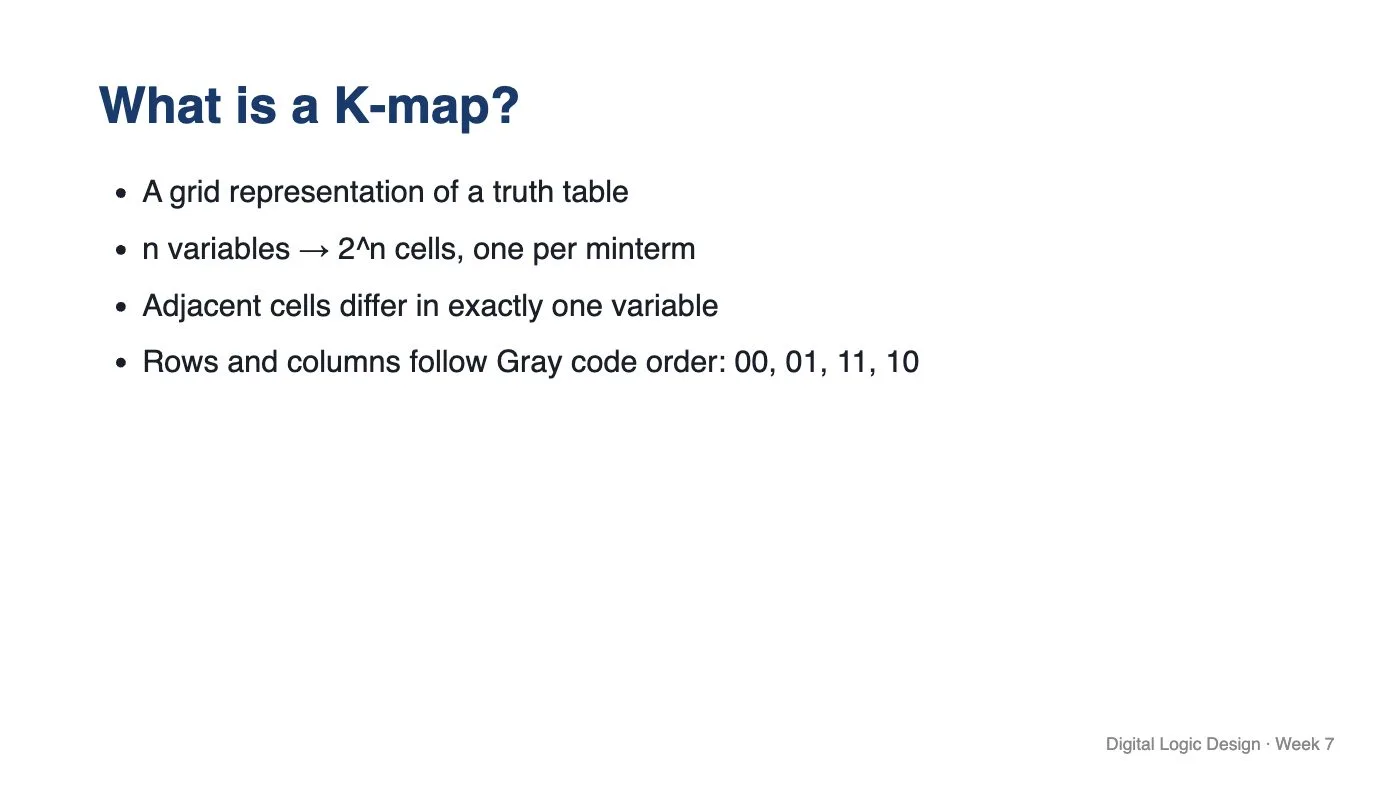
Add slides for notes and concepts
Upload the slides too and get handwritten notes on them, plus concepts and a quiz.
Finish with an exam sheet
Before the exam, pick a range and make an A4 exam sheet. Snap your paper answers to get them graded.
How it works
Install once. After that it's one button.
1
Install the extension, open a lecture
Add the Chrome extension and open a lecture on your school LMS. For a recording or a YouTube link, just upload it.
2
One button to transcribe
Press the extension button and our server fetches and transcribes the lecture. You can close the tab.
3
Add slides for notes and concepts
Upload the slides too and get handwritten notes on them, plus concepts and a quiz.
Week 7 Karnaugh maps
4
Finish with an exam sheet
Before the exam, pick a range and make an A4 exam sheet. Snap your paper answers to get them graded.
Digital Logic · Week 7 check
Template · Print
Layout
- Clean 2-column
- Document
In the header
- Course name
- Exam name
- Date
- Name blank
- Student ID blank
- Total points
Download PDF
- Question sheet
- Questions + answers
- Answer sheet
Whole course
Ask across a whole semester
Pick a range in the course view and concepts, quizzes and mind maps line up in lecture order. The course tutor answers across lectures and cites the lecture and minute.
Where does starvation come from, and how is it prevented?
Ask about the lectures you picked
Answers from 8 lectures
Exam prep
Finish with one exam sheet
Make an A4 exam sheet from the range you pick. Upload a past paper and it follows that exam's types and wording; snap your paper answers to get them graded.
- 01A4 exam sheet
- 02Past paper analysis
- 03Photo grading
Free accounts can try 1 exam sheet, 1 past paper analysis and 1 photo grading.
Score
10/ 15
2 of 4 right · 67% · 25 min
1Right3 / 3 pts
Which ordering do K-map rows and columns follow?
2Partial credit3 / 5 pts
Explain why 00, 01, 10, 11 breaks grouping on a K-map.
The ordering part is right; why grouping breaks across 01 and 10 is missing.
3Right4 / 4 pts
Simplify F(A,B,C) = Σm(1,3,5,7).
4Wrong0 / 3 pts
How many variables does a group of 8 cells eliminate in a 4-variable map?
② 2③ 3
FAQ
Yes. A PDF alone gets notes from the slide content. Link a transcribed recording and the notes include what was stressed and what was only said out loud.
From your next lecture, just record it.
100 free credits the moment you sign up, and every week after.